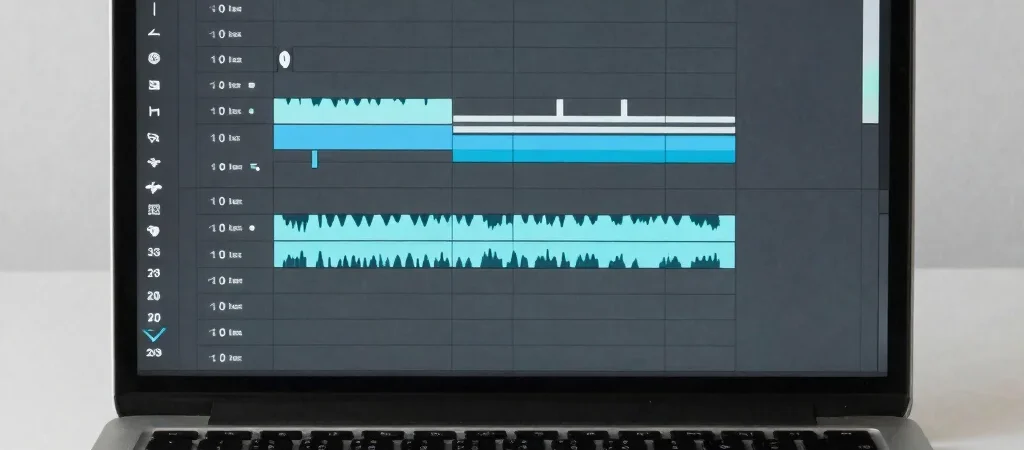
A faceless video may have no camera footage, but it still has plenty to edit: narration, screen recordings, stock or original visuals, captions, and music. An AI video editing tool is worth considering when it handles a specific bottleneck in that sequence, not simply because its feature page says “AI.”
Name the bottleneck first
Before comparing software, identify the step that regularly slows down your videos. It might be removing long pauses from narration, arranging clips against a voice track, or preparing different versions for YouTube and TikTok. A clear task gives you a fair test: use the same source material and see what the tool changes, what it leaves alone, and what you must fix afterward.
Keep control of the cut
Automatic edits can save time, but they can also remove a pause that makes a sentence understandable or cut away from a visual before its point is clear. Check whether you can review the edit decision by decision and make precise adjustments without starting over. That control matters especially when a video depends on screen details, on-screen text, or tightly timed narration.
Test the publishing format
A horizontal YouTube edit and a vertical TikTok version do not ask the same things of the footage. Check how the tool handles reframing, captions, and the placement of important visual information in each format. A fast first cut is less useful if the final crop hides a software menu or pushes subtitles over the action.
Measure the repair work
Compare tools by the complete workflow: source files in, a reviewable edit, corrections, and an export ready for your channel. Note which steps are genuinely reduced and which are merely moved into cleanup. If a review includes affiliate links, those links may earn AI Creator Bench a commission; recommendations should still make the tool’s limits and best-fit use cases clear.